The Library · Insights
Deep dives across data, automation & AI
94 in-depth articles — from Excel foundations to production machine learning. Filter by topic or difficulty to find exactly what you need.

Power QueryExpert
Implementing Custom Calendar and Time Zone Normalization Pipelines in Power Query M: UTC Conversion, DST Handling, and Cross-Region Timestamp Alignment for Multi-Source Data
Building a global data model means reconciling timestamps from Salesforce, SAP, e-commerce platforms, and logistics partners — all storing time in different formats and zones. This expert-level lesson walks you through building a complete, production-grade M pipeline for UTC conversion, DST boundary detection, and cross-region calendar normalization — including the southern hemisphere edge cases and performance patterns that trip up experienced developers.
26 min read

Power QueryExpert
Implementing Watermark-Based CDC Patterns in Power Query: Capturing Net-New and Changed Records from Relational Sources Using Persistent High-Water Mark Tracking
Full-load refreshes that process millions of rows to capture hundreds of changes are wasteful and slow. Learn how to implement production-grade watermark-based Change Data Capture in Power Query — complete with persistent high-water mark storage, query-folded delta fetches, multi-table orchestration, and recovery logic for real-world edge cases.
28 min read

Power QueryPractitioner
Implementing Custom Window Functions and Running Calculations in Power Query M: Rolling Averages, Cumulative Totals, and Rank-Based Partitioning Without Native Window Support
Power Query M has no native window functions — no OVER, no PARTITION BY, no ROWS BETWEEN. This lesson teaches you to build rolling averages, cumulative totals, partitioned ranks, and lag/lead functions from scratch using M's list operations and grouping patterns, packaged into a reusable function library you can use across any project.
24 min read

Power QueryPractitioner
Implementing Column-Level Data Profiling and Statistical Summaries in Power Query: Distribution Analysis, Outlier Detection, and Quality Metrics for Practitioner Workflows
Learn how to build a reusable M code framework that automatically profiles every column in your Power Query pipeline — computing completeness rates, statistical distributions, IQR and Z-score outlier flags, and pass/fail quality gates on every refresh. Stop discovering data problems after the model is built.
24 min read
Power QueryFoundation
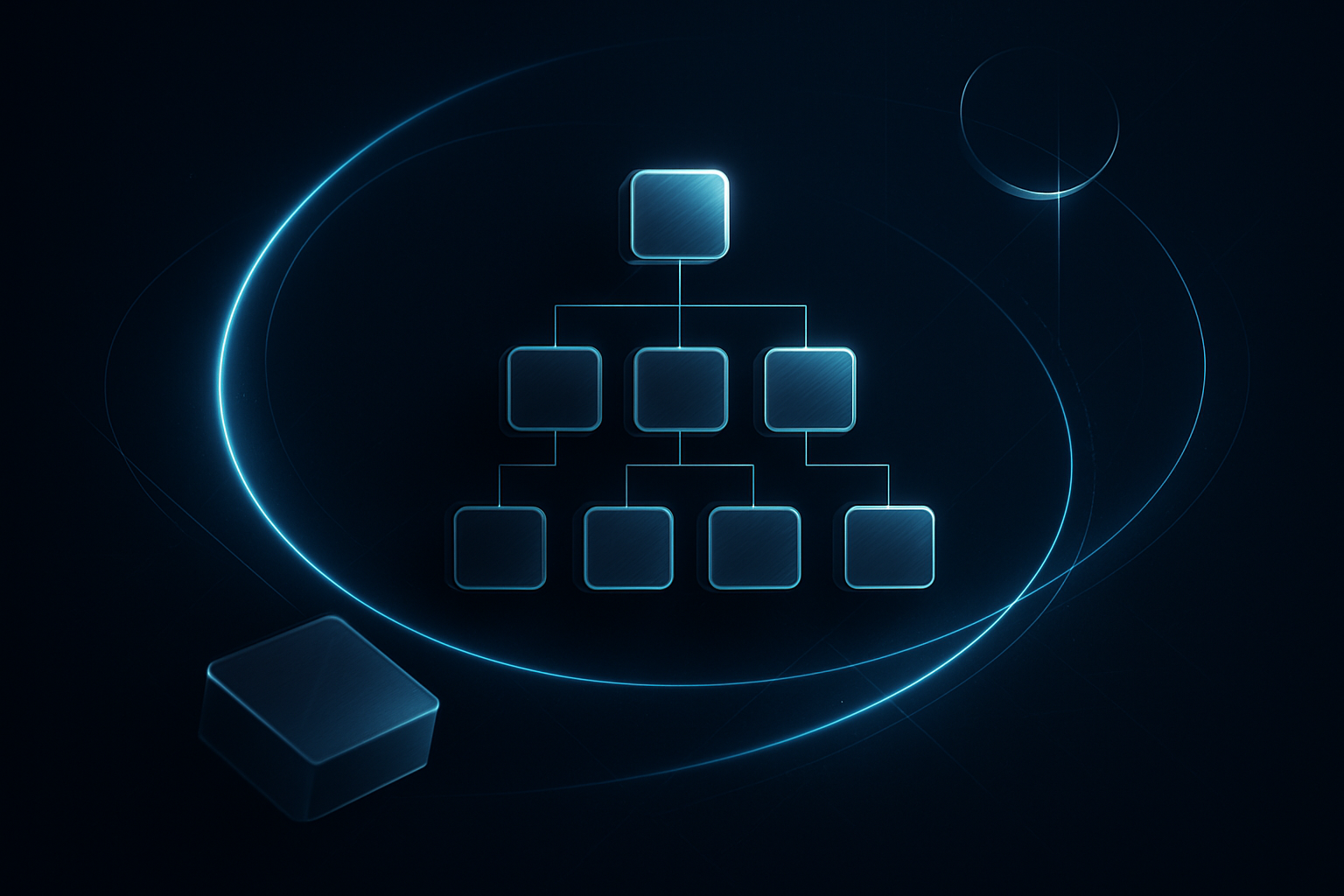
Implementing Custom Hierarchical Data Flattening in Power Query M: Recursive Parent-Child Resolution and Path Enumeration for Organizational and Category Trees
Learn how to flatten self-referencing parent-child tables in Power Query M using recursive functions. Build full ancestor breadcrumb paths, dynamic depth levels, and individual level columns for any org chart or category tree — no DAX or SQL required.
17 min read

Power QueryFoundation
Understanding Table, List, and Record Data Structures in Power Query: How M Represents and Navigates Data
M — Power Query's formula language — represents all data using three container types: Tables, Lists, and Records. Learn how each one works, how to navigate inside them with M syntax, and how they nest together to form the complex structures you see in JSON and API data.
16 min read
Power QueryExpert
Implementing Custom Binary File Format Parsers in Power Query M: Reading Fixed-Width, Delimited, and Proprietary Byte Structures into Typed Tables
Most Power Query guides stop at CSV and Excel. This lesson goes deeper — teaching you to parse raw binary files at the byte level, including fixed-width mainframe exports, custom delimited byte streams, and proprietary formats with dynamic headers, all inside native M code.
26 min read

Power QueryExpert
Implementing Surrogate Key Generation in Power Query: Deterministic Hashing, Sequence-Based Indexing, and Cross-Source Key Management for Data Warehouse Loads
Surrogate key generation is one of the most failure-prone steps in data warehouse ETL — especially when sources disagree on key formats. This deep-dive lesson teaches you deterministic hashing, offset-aware sequence indexing, and a robust cross-source mapping table pattern in pure M code.
24 min read
Power QueryPractitioner
Implementing Custom Delta Load and Change Data Capture Patterns in Power Query M: Watermark Tracking, Hash-Based Diff Detection, and Incremental Table Synchronization Without Native CDC Support
When your source system has no CDC support, no reliable timestamps, and millions of rows, you need to build incremental logic yourself. This lesson walks through watermark tracking, hash-based row diff detection, and three-way table synchronization — all in pure M, all production-ready.
20 min read

Power QueryPractitioner
Implementing Data Validation and Quality Checks in Power Query: Building Automated Assertion Pipelines to Catch Nulls, Duplicates, and Referential Integrity Failures Before Load
Learn how to build assertion-style validation pipelines in Power Query that automatically catch nulls, duplicate keys, and referential integrity failures before data reaches your model. This lesson gives you a complete, reusable quality gate architecture with copy-paste-ready M code for real production pipelines.
19 min read
Power QueryFoundation
Implementing Custom Environment and Credential Management with M Language let Scoping: Structuring Query Context for Multi-Source, Multi-Tenant Data Pipelines
Hard-coded connection strings scattered across dozens of queries are a deployment disaster waiting to happen. This lesson shows you how to use M's let scoping and record-based context objects to build multi-environment, multi-tenant Power Query pipelines where a single configuration change propagates correctly to every downstream query.
16 min read

Power QueryFoundation
Connecting to and Extracting Data from REST APIs with Pagination in Power Query: Handling Next-Page Tokens, Offset Parameters, and Rate Limits
Most REST APIs return data in pages, not all at once — and if you don't know how to follow the pagination, you're only seeing a fraction of your data. This lesson teaches you how to write M code that loops through every page of an API response, handles cursor tokens and offset parameters, and respects rate limits so your queries don't get blocked.
17 min read